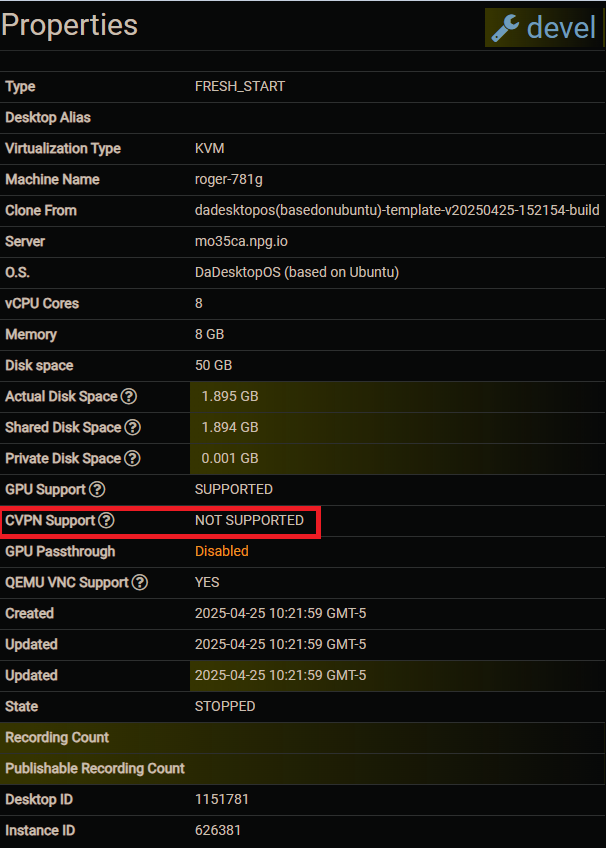
Course VPN
The Course VPN (CVPN) feature lets desktops communicate directly with one another.
This feature replaces the "Turn off network isolation" option. When Network Isolation was disabled, desktops could communicate with any other desktop on a single server, but not across servers and data centres.
Course VPN allows communication between all desktops added to a specific course, regardless of the server or data centre.
This feature is available only on Ubuntu and Windows 10 operating systems. For other operating systems, you can still enable "Turn off network isolation".
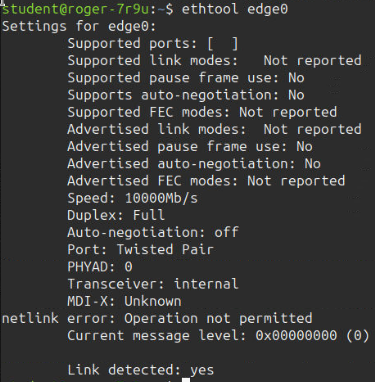
Below are some terminal screenshots showing the CVPN interface from the terminal, along with additional properties of the connected interface.
Terminal IPs:
Below are screenshots of the VPN network interface that is created when training workstations are set up. The following screenshot shows two student workstation terminals displaying the `edge0` network interface, which is the course VPN.

Additional Properties:

Supported:
When creating a course with Ubuntu or Windows 10 operating systems.

Not supported:
When creating a course with other operating system distributions.