Automatic Session Recording on the Trainer's Desktop
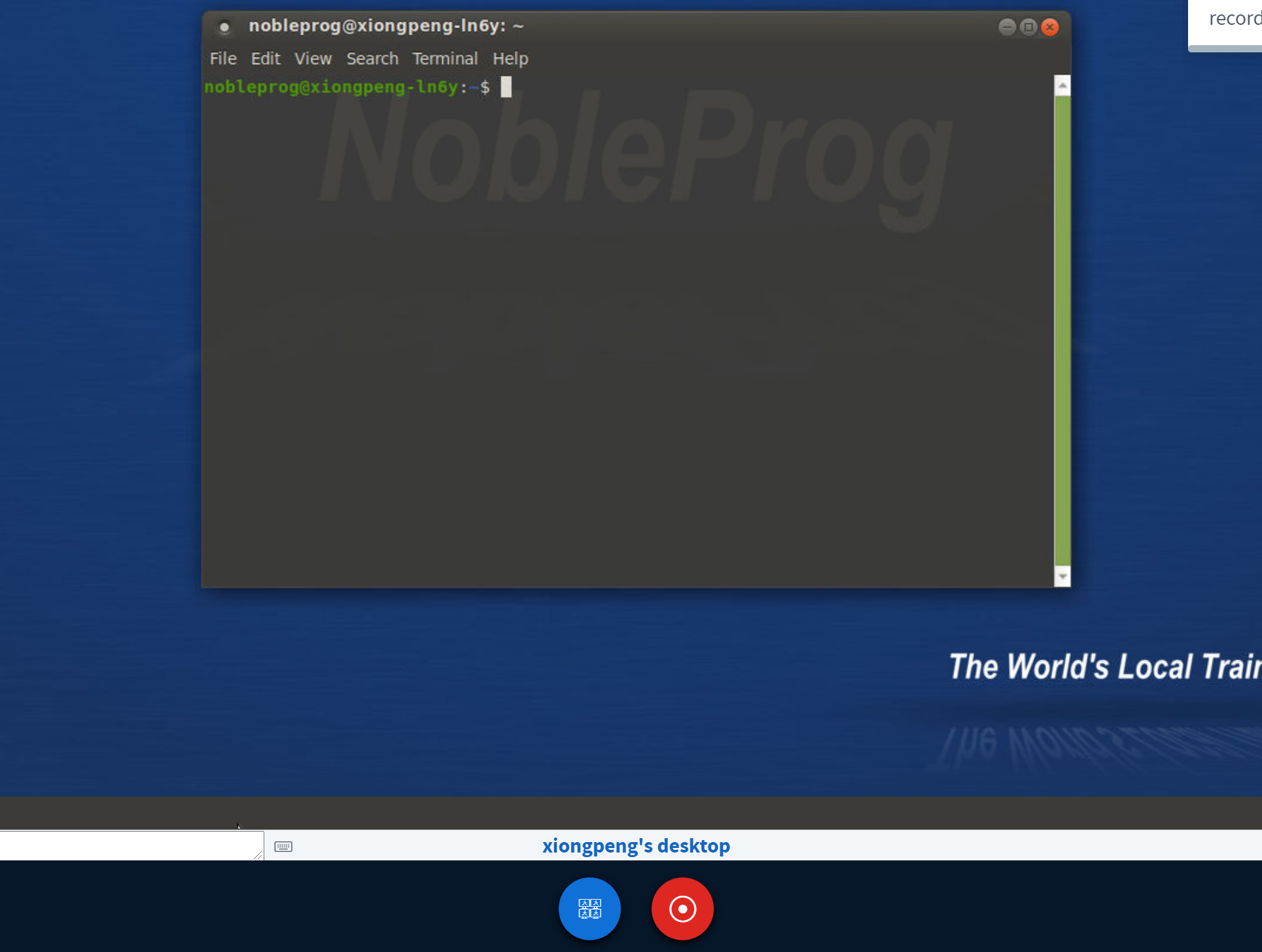
As soon as you walk into the training room in Hong Kong, the Trainer's Desktop kicks off auto-session recording.
To stop recording, simply hit the "red-recording" button again.
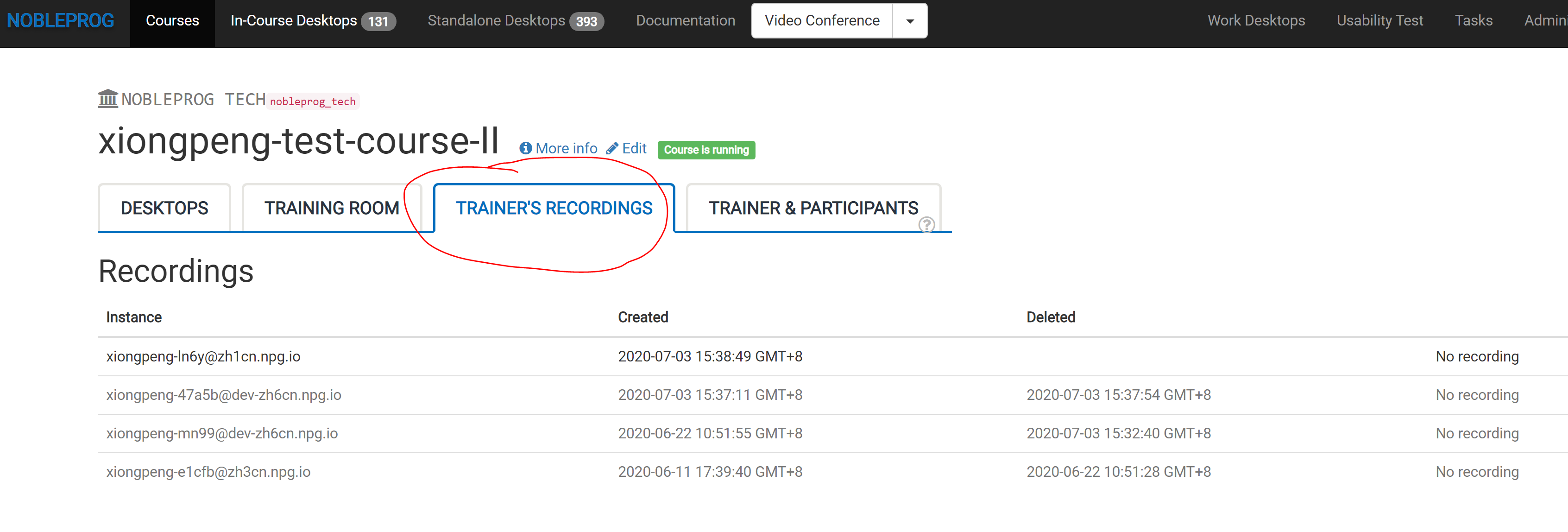
You can find your recordings under "Trainer's Recordings" within your course.